Image to Pixel Art Converter
Convert any photo into beautiful retro pixel art instantly in your browser.
Upload your photo
Drag and drop your image here, or click to browse
Supports PNG, JPG, JPEG, WEBP
Our image to pixel converter provides instant, zero-latency feedback.
Quickly adjust the pixel size slider to swap between fine 8-bit blocks or chunky 16-bit retro arcade designs.
Compare original photos and generated pixel art side-by-side with an interactive comparison slider before consuming credits.
Polish contrast, brightness, and saturation parameters to create the perfect retro color palette grids.
Download both Small point-by-point grid sprite PNGs and Large losslessly upscaled HD pixel art wallpapers.
Access all your previously generated pixel art and download them directly from your history dashboard.
All your generated pixel art is safely hosted on cloud storage, ensuring maximum privacy and quick loading speeds.
Ideal for indie game developers, illustrators, and creators looking to rapidly generate authentic 8-bit and 16-bit retro assets.
What Problems Does Image to Pixel Solve?
Discover how the Image to Pixel converter addresses common challenges in pixel art creation and speeds up your retro game asset design workflow.
Time-Consuming Manual Tracing
Manually drawing pixel art or tracing photos pixel-by-pixel takes hours. The Image to Pixel tool converts any photo into a clean pixel layout in seconds, giving you an instant starting draft.
Blurry Pixels from Normal Resizing
Standard image scaling blurs borders. Our Image to Pixel engine uses nearest-neighbor interpolation to ensure every pixel block retains perfectly sharp, pixel-perfect edges.
Complicated Retro Color Matching
Matching retro game color schemes is difficult. Adjusting our Image to Pixel parameters helps you quickly emulate classic GameBoy grayscale or high-vibrancy 16-bit color palettes.
Expensive and Complex Software
Professional pixel software requires costly subscriptions and training. Our browser-based Image to Pixel tool is free, runs instantly client-side, and requires no installation.
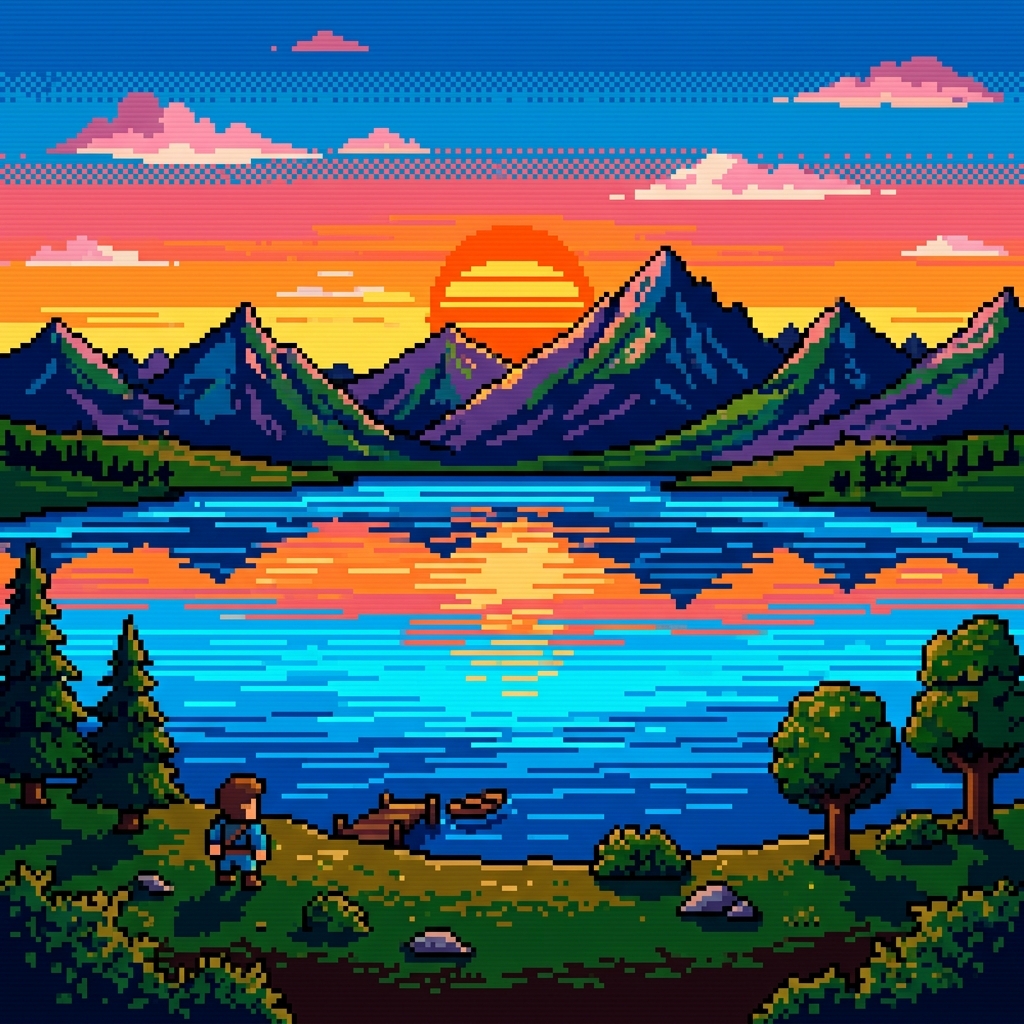
Easy-to-Use Image to Pixel Converter
Skip the complex graphics software and steep learning curves. Our intuitive Image to Pixel sandbox lets you design beautiful retro art with simple controls and instant previews.
Real-time Image to Pixel Slider
Drag the handle to instantly compare your high-resolution source photo with the computed Image to Pixel 8-bit retro art result.
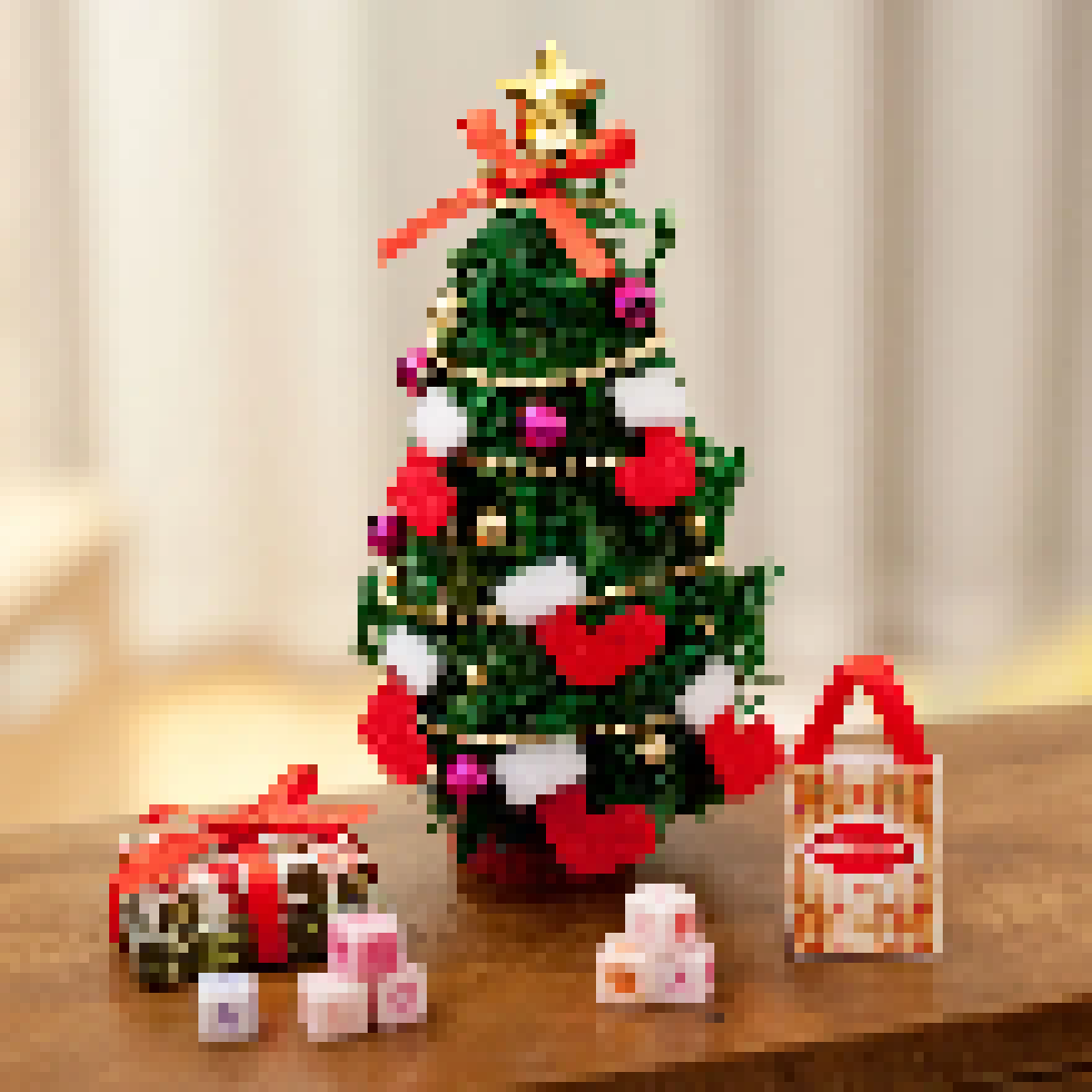

Precision Parametric Controls
Adjust Pixel Size, Brightness, Contrast, and Saturation to fine-tune details and shape the ultimate retro output.
Dual-Version Export Formats
Download both Small sprite-grid PNGs for digital assets, and Large upscaled HD files for sharing or printing.
Image to Pixel Lossless Scaling
Say goodbye to blurry blocks. Our Image to Pixel engine uses nearest-neighbor interpolation to keep pixel borders razor-sharp during exports.
How to Convert Image to Pixel Art in 4 Simple Steps
Upload Your Image
Select a PNG, JPG, or WEBP photo and drop it into the upload box. The tool will immediately detect the original resolution.
Adjust Pixel Block Size
Slide the pixel size controller to set your pixel density. Larger values blockify the image further, creating an abstract retro look.
Polish Color & Contrast
Fine-tune the brightness, contrast, and saturation. Boosting contrast helps isolate details, which makes the final result pop with vibrant color grids.
Generate and Export
Click the generate button. This locks in the rendering, consumes 10 credits, and immediately unlocks high-quality Small and Large download formats.
FAQs
An image to pixel converter is an online tool that uses a pixelation algorithm to downsample digital images into blocky pixel art. It groups pixels together in grids (such as 8x8 or 16x16 blocks) and applies retro filters like brightness and contrast to create retro video game style graphics.
Our tool supports standard image formats including PNG, JPG, JPEG, and WebP. For the best pixelation results, we recommend uploading high-contrast source images with clear subjects.
The Small version downloads the image at the actual pixel grid size (e.g., 64x64px), which is ideal for further editing or game sprite sheets. The Large version scales the pixelated image back to the original HD resolution with sharp edges using nearest-neighbor interpolation, making it perfect for sharing.
It depends on the style you want. A smaller pixel size (e.g., 2px to 8px) keeps more details from the original photo, while a larger pixel size (e.g., 16px to 32px) creates a classic, chunky 8-bit retro arcade aesthetic.
Turn Your Image to Pixel Art
Start converting your images to pixel art now with our zero-latency browser converter.
IMAGE TO LINE